How to Stay Safe While Using Public Wi-Fi Abroad
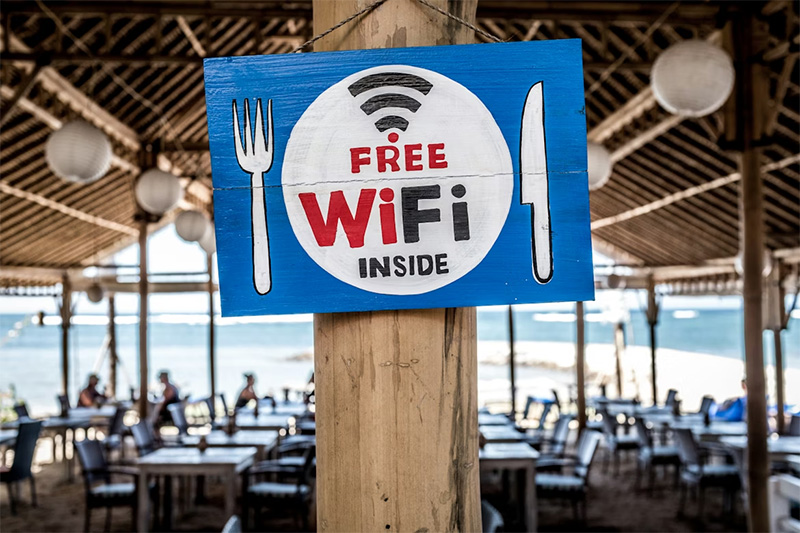
Coffee shops in Barcelona, airports in Tokyo, hotels from Prague to Dallas, everyone loves free Wi-Fi. It’s so tempting. The phone buzzes, that “public network” pops up, and the instinct is to latch right on. Convenience wins almost every time. Yet beneath all this digital hospitality lurks a nest of risks most travelers ignore until it’s far too late. Data gets snatched, passwords hijacked, bank accounts suddenly emptied out at 3 a.m., the story isn’t new but remains evergreen. So, what’s the move? Forget paranoia; focus on smart steps. Safety abroad doesn’t require paranoia, just a touch of vigilance and a dash of technical sense.
Verify the Network, Don’t Trust That Name
Looks legitimate? Sometimes hackers create networks with names similar to nearby establishments, sometimes just one letter off. This trick nabs the careless in seconds flat. A traveler enters that cafe thinking it’s safe because “Joe’sCoffee_WiFi” looks right enough, but didn’t notice it actually said “JoesCoffe_WiFi.” Spot the missing apostrophe? Most don’t. The wise traveler always double-checks with staff for the official network name before connecting anything more valuable than yesterday’s selfie device. Paranoia? Not at all, a simple question saves hours fixing avoidable disasters later.
Use a VPN or Accept the Consequences
VPNs aren’t only for spies and bored IT workers back home; they’re now essential travel gear and should get treated as such. Connecting through a public hotspot without funneling traffic through an encrypted VPN tunnel is begging for trouble, plain and simple. Too many tourists shrug off virtual private networks as overkill until they land in trouble: stolen logins, mysterious account activity, email spam from their own address book. The conclusion is obvious even if rarely heeded: no VPN means exposure; VPN equals protection from snoops and would-be thieves lurking on insecure networks.
Disable Sharing Features Immediately
File sharing sounds innocent enough until random strangers start poking into open folders while someone sips espresso blissfully unaware. AirDrop left enabled? Network discovery switched on? Those are neon welcome signs for intruders within shouting distance (or even across rooms). By default most devices leave sharing wide open on public hotspots, it reduces friction at home but sparks disaster when traveling abroad. Smart users walk into any café or lounge and disable Bluetooth sharing, file visibility, printer access, all those doors that shouldn’t stay open outside trusted territory.
Forget Auto-Connect and Log Out When Done
Auto-connect feels so convenient, until it isn’t. Devices quietly hunting down remembered networks will connect to anything with a matching name regardless of location or who set it up this time around, not good news in unfamiliar places crowded with malicious actors masquerading as friendly hosts. On top of this, never forget to log out after every sensitive session: webmail checked? Bank balance peeked at? Good; sign out immediately rather than trusting browser convenience settings that keep sessions alive longer than anyone wants them to be.
Vigilance beats fearmongering every single time when navigating foreign Wi-Fi jungles. No need for exotic gadgets or hacker-level skills, just basic awareness and simple tools like verified networks, aggressive privacy settings, reliable VPNs can ward off 99% percent of threats encountered abroad quicker than panic ever could. Public Wi-Fi remains an indispensable lifeline for modern travelers, it just demands respect instead of blind trust if safety ranks anywhere near the top of that packing list.
Photo Attribution:
1st & featured image by https://unsplash.com/photos/free-wifi-signage-on-wooden-post-X0EtNWqMnq8
2nd image by https://unsplash.com/photos/a-close-up-of-the-wifi-logo-on-the-side-of-a-bus-sOdVYQQo4UU